
Choosing a model
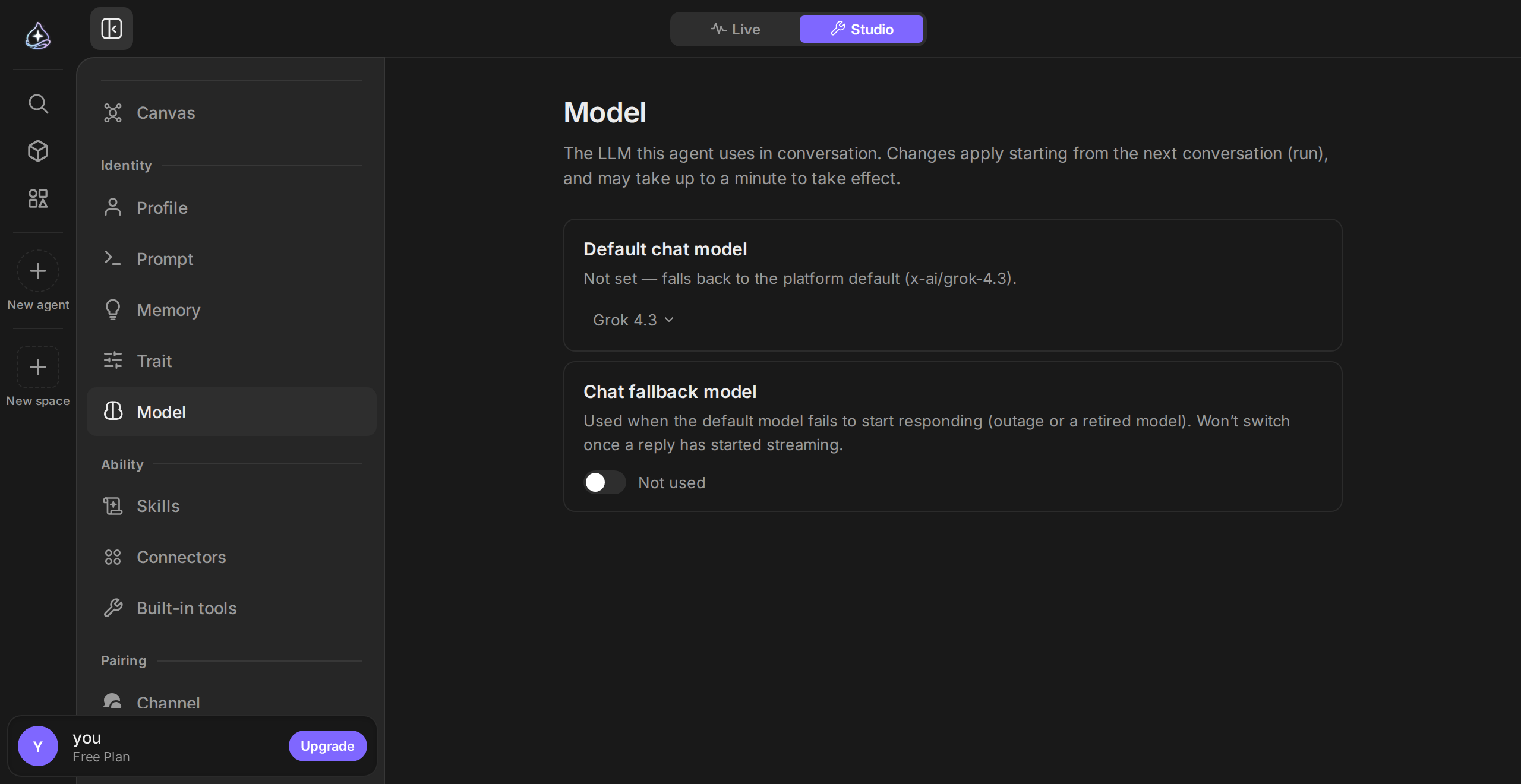
Every run is driven by a model. Endue offers a catalog from several providers, and you choose which one an agent uses — as its default, or for one message.
When to use it
Section titled “When to use it”Change the model when the agent’s reasoning is the problem: it misses steps in a long task, or it is slow and expensive for work that is genuinely simple. If the agent is doing the wrong job rather than doing the job badly, fix the system prompt first — a bigger model follows a vague instruction just as faithfully.
The catalog
Section titled “The catalog”The model picker lists what is available, with the details that actually decide the choice: context window, input and output price per million tokens, what the model accepts (text, images, files), and whether it supports tool calling.
Tool calling is the one to check. An Endue agent works by calling tools. A model that does not support tool calling can answer from what it already knows, but it cannot search your email, write an output, or use a connector. Those models are labeled in the picker.
Reasoning effort
Section titled “Reasoning effort”Some models expose a reasoning effort setting — how much thinking they do before answering. Higher effort costs more tokens and takes longer; it pays off on multi-step work where a wrong early decision wastes the rest of the run.
A rough guide:
| Work | Effort |
|---|---|
| Reformatting, extraction, classification, short answers | Low |
| Everyday multi-step tasks with a handful of tool calls | Medium |
| Long chains where an early mistake compounds — research, planning, debugging | High |
Per-agent, per-message, per-routine
Section titled “Per-agent, per-message, per-routine”Three places set a model, each overriding the one above it:
- The agent’s default, in Agent Builder — what it uses unless told otherwise.
- A single message, from the composer — useful for one hard question inside a cheap agent’s conversation. Instead of switching by hand each time, you can let the agent pick a model for each request.
- A routine, which can pin its own model so a scheduled job does not change cost when you retune the agent.
Picking a model for each request
Section titled “Picking a model for each request”Turn on Automatic selection for an agent and you stop choosing a model message by message. When a message arrives, a decision model rates how hard the request is on three levels, and you decide which model handles each level.
You set it in the model section of Agent Builder.
| Level | Model used |
|---|---|
| Light requests — a greeting, a short fact, a one-line rewrite | The model you chose for light requests |
| Standard requests — explanations, summaries, routine writing and code | The agent’s default model |
| Hard requests — multi-step analysis, long or precise writing, complex code | The model you chose for hard requests |
You can fill in one of the two slots and leave the other empty. An empty level uses the default model.
There are three modes.
- Off — nothing is rated.
- Observe — messages are rated but the model does not change. Each reply shows “Auto would use” with a model name, so you can see how requests would split before turning it on.
- On — the rating picks the model. The model selector in the composer starts on Auto, and each reply shows “Auto” with the model that answered.
Before saving, type a sentence into Try it to see which level it reads as and which model it goes to.
The default model answers in these cases.
- The rating is unclear. Below the confidence threshold you set, nothing is picked.
- The rating does not come back in time. A reply does not wait on the rating.
- The picked model is not available on your plan or within your remaining limit.
A message with an attachment, and a message that directly follows a hard request, is never moved down to the light model. “Keep going” looks light on its own, but the task it continues is not.
Choosing a model in the composer keeps that conversation on the chosen model. Choose Auto again to release it. A conversation in a project that has its own default model follows the project’s model.
Model usage is what consumes your plan’s allowance, and prices differ by more than an order of magnitude across the catalog. The picker shows input and output price for each model. See Plans and usage for how usage is measured and where to watch it, and Bring your own key if you want to pay the provider directly instead.
Limits
Section titled “Limits”- Not every model supports every capability. Tool calling, image input, and reasoning effort vary by model, and the picker is the source of truth.
- Changing the model does not change the agent’s prompt, memory, or bindings.
- A run in flight keeps the model it started with. Switching models applies to the next run.
- Automatic selection applies only to messages a person sends. Routines and voice conversations are not rated and run on their set model.
- Context windows differ. A very long conversation that fits one model may not fit another.